Hugo Is More Extensible Than You Think
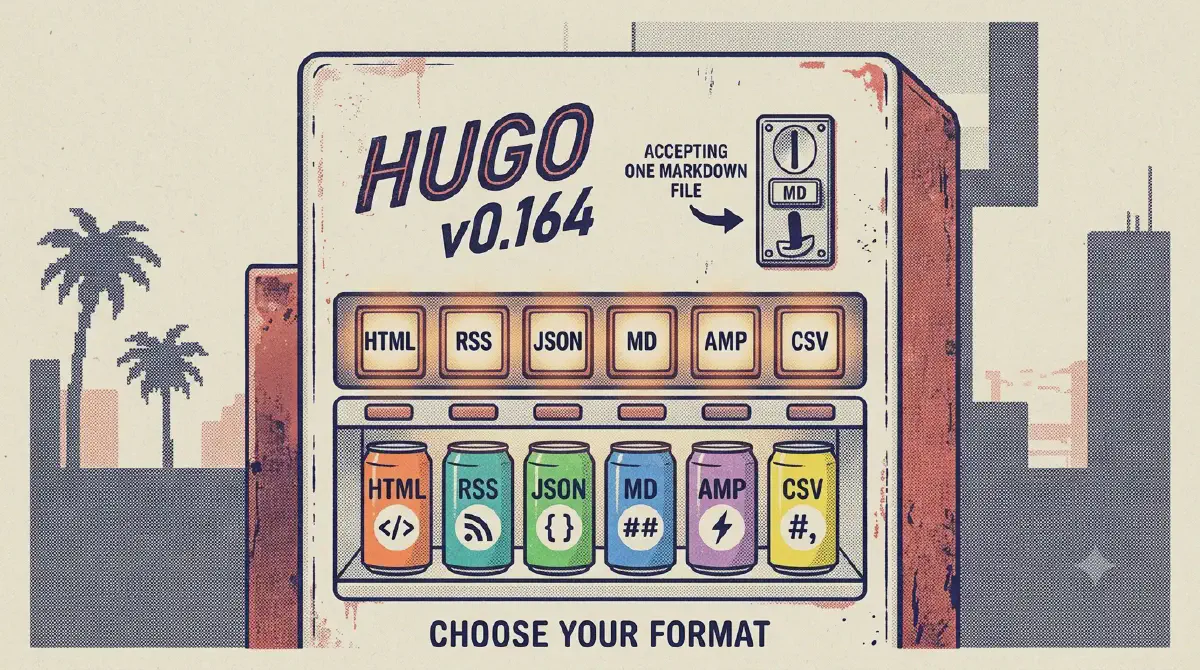
Hugo markets itself as “a Fast and Flexible Static Site Generator”, but its documentation barely hints at how deep the tool actually goes. Most people touch four commands (hugo, hugo server, hugo new, hugo mod) and call it a day.
This article is a tour of the parts of Hugo that stay hidden — the output format system that gives this very blog a raw-markdown twin for every post, the CLI subcommands most users never discover, the template engine that is secretly a real programming language, and the module system that turns themes into versioned dependencies.
Everything below was verified against Hugo v0.164.0+extended+withdeploy on a real build. Nothing is theory.
1. Every page can be published as a second format (the .md trick)
This is the feature this blog shipped recently, and it’s the best gateway into Hugo’s extensibility because it changes how you think about output.
A Hugo page isn’t a file — it’s a data object that can be rendered through any output format. Hugo ships with built-in formats for html, rss, json, amp, sitemap, robots, webappmanifest, csv, calendar, and — here’s the hidden one — markdown.
By default the markdown format is ignored. But you can enable it for pages and write a template that dumps the raw source:
# hugo.toml
[outputFormats.markdown]
  baseName = ""          # publish as <page-url>/.md instead of /index.md

[outputs]
page = ["HTML", "markdown"]# themes/<theme>/layouts/_default/single.markdown.md
{{ .RawContent }}That’s it. Now every page is served in two formats:
https://example.com/posts/my-post/     → rendered HTML
https://example.com/posts/my-post/.md  → raw markdown source
.RawContent returns the page body with front matter stripped but shortcodes, KaTeX and Mermaid blocks left untouched — exactly what a note app, an editor, or a script wants.
outputs map — that config must live in the site’s hugo.toml. The theme supplies the template; the site supplies the wiring.Verifiable proof: this very article is served at /posts/tech/hugo-hidden-features/.md — go fetch it. The file on disk is generated by the build, not committed.
2. Output formats are a mini content-type system
Once you see output formats as a dimension rather than a setting, a lot of free features unlock. A page is a document that can be rendered as JSON, XML, CSV, or anything else — you define the format, pick a media type, and write a template.
Every format has its own template lookup order, so you can have single.html, single.json, single.xml all rendering the same page differently. The search index on this blog (index.json) is just a custom output format over the home kind.
You can even override builtin formats. Want ugly URLs only for one format? Change ugly on that format. Want AMP pages without touching HTML? Define amp, add it to outputs, write single.amp.html.
.md trick works because baseName = "" publishes to <page-url>/.md instead of the default <page-url>/index.md. Empty base names are a first-class concept — Hugo’s own 404, alias, and gotmpl formats use them.3. Time travel with --clock
Hugo has a global --clock flag that sets the system clock the build sees:
hugo --clock 2021-11-06T22:30:00.00+09:00Combined with hugo list future and hugo list expired, this is how you preview how the site will look on launch day, or debug why a post with a future date isn’t showing up:
hugo list future     # posts scheduled for later
hugo list expired    # posts that aged out of publishDate+expiryDate
hugo list drafts     # everything still in draft
hugo list published  # what the world currently sees
hugo list all        # the complete inventory, one row per page
hugo list all is a surprisingly useful site-audit tool — it dumps every page with its date, permalink, kind, and section as CSV.
4. The CLI has a whole second toolbox under it
hugo’s top-level help only hints at what’s below. The real inventory:
| Command | What it actually does |
|---|---|
hugo config |
Print the effective merged config (site + theme) as TOML/YAML/JSON with --format, or full defaults with --printZero |
hugo config mounts |
Show exactly which filesystem folders mount where (content, data, layouts, static, and more) |
hugo env |
Dump the Go env, build flags, and extended features of the binary |
hugo gen chromastyles |
Export your syntax-highlighting theme as a standalone CSS file (great for non-Hugo projects) |
hugo gen doc |
Generate complete Markdown docs for the entire Hugo CLI |
hugo gen man |
Generate man pages for the CLI |
hugo convert toYAML / toTOML / toJSON |
Migrate a whole tree of front matter from one format to another |
hugo import jekyll |
Import a Jekyll site (posts, layouts, config) into Hugo |
hugo completion |
Generate shell autocompletion for bash/zsh/fish/powershell |
hugo deploy |
Push the built site to S3, GCS, or Azure — no extra tooling needed |
hugo config is the one I reach for most: when a theme behaves unexpectedly, the merged config shows exactly which value won and from where.
hugo config --format json | grep -i output5. Diagnostic flags that act like a profiler
Build flags are where Hugo reveals its internals. These belong in every CI script and every “why is the build weird” investigation:
hugo --gc                          # garbage-collect unused build cache files
hugo --printUnusedTemplates        # list templates that were never invoked
hugo --printPathWarnings           # warn on duplicate output paths / collisions
hugo --printI18nWarnings           # warn about missing translations
hugo --templateMetrics             # how many times each template ran, and how long
hugo --templateMetricsHints        # + suggestions on which templates to simplify
hugo --printMemoryUsage            # memory pressure during long builds
hugo --panicOnWarning              # turn every warning into a hard failure (CI gold)
--templateMetrics is a revelation the first time you run it — it shows which partials are executed thousands of times, and --templateMetricsHints tells you which ones to cache with partialCached.
For CI, --panicOnWarning turns Hugo’s famously chatty warnings into an exit-code 1, so a regression can never quietly slip into a deploy.
6. The dev server is a power tool
hugo server reads like “webserver, limited options” in its own help text, but the flags tell a different story:
hugo server -N                       # navigate the browser to the file you just edited on reload
hugo server -O                       # open the site in your browser automatically
hugo server --renderToMemory         # build into RAM — faster on huge sites
hugo server --noHTTPCache            # disable browser caching while developing
hugo server --disableFastRender      # force full re-renders instead of incremental
hugo server --disableBrowserError    # don't show build errors in the browser page
hugo server --pprof                  # expose a Go profiling endpoint on :8080
hugo server --port 0                 # pick a free port automatically
hugo server trust                    # install Hugo's local TLS CA → true https://localhost
The last one is a genuine hidden gem: hugo server trust installs a local certificate authority so your dev server runs on real HTTPS, with service workers, secure cookies, and all the rest — no mkcert, no nginx reverse proxy.
--poll 700ms is the flag you need on filesystems (NFS, Docker bind mounts, WSL2) where inotify watches never fire — it falls back to polling.
7. Themes can be versioned dependencies (Hugo Modules)
The hugo mod family turns themes from git submodules into a real dependency graph:
hugo mod init github.com/you/site   # declare this site a module
hugo mod get github.com/themeprovider/hugo-theme-x@v1.2.3
hugo mod graph                      # print the whole dependency tree
hugo mod npm                        # sync the theme's npm deps
hugo mod vendor                     # vendor everything into _vendor (offline builds)
hugo mod tidy                       # prune unused entries from go.mod/go.sum
hugo mod verify                     # check checksums
hugo mod clean                      # wipe the module cache
hugo mod npm is the underrated one: themes that ship package.json files can have their JS/CSS assets pulled through the module system and piped into Hugo’s asset pipeline — no separate npm install step in CI.
8. Content plumbing you’ve been doing by hand
Front matter has a cascade mechanism that propagates defaults down a section tree:
# content/posts/_index.md
cascade:
  showToc: true
  viewMode: docs
Every post under posts/ inherits those values, and per-post front matter overrides them. That’s the same override model this theme uses for typography, layout, and footers.
Archetypes are templates for hugo new:
hugo new content posts/tech/hello.md -k docs   # pick a content type
hugo new content posts/tech/x.md --editor code # jump straight into your editor
And enableGitInfo is free “last modified” tracking — with git available, Hugo reads commit dates so Lastmod (and this theme’s “Updated” badge) comes straight from your history.
9. Templates are secretly a programming language
People treat Hugo templates as a formatting layer, but .Scratch and .Store are real mutable state — the former lets you store and mutate values inside a single template pass (values, dicts, even partials), the latter shares state across the whole render.
Render hooks let you intercept markdown elements that most SSGs hard-code:
layouts/_default/_markup/render-link.html     # rewrite every markdown link
layouts/_default/_markup/render-image.html    # lazy-load, add dimensions
layouts/_default/_markup/render-heading.html  # inject anchor ids, callouts
layouts/_default/_markup/render-codeblock.html # wrap code in a toolbar
This theme uses the render-hook and passthrough machinery to turn $...$ math and ```mermaid blocks into pre-rendered HTML and SVGs at build time — no JavaScript at runtime. Extensibility is how the theme is built, not a feature bolted on.
resources.ExecuteAsTemplate goes further: it lets you render a Go template file stored as an asset, which is how people build on-the-fly image pipelines, per-page JSON, and even multi-format API dumps.
10. Data is a first-class citizen
Files in data/ are automatically exposed to every template as a map. This theme keeps its entire 33-palette color system in data/color-schemes.yaml — one file drives light/dark syntax highlighting and Mermaid diagram colors, with zero template changes when a palette is added.
hugo.Data, but Cloudflare Pages ships 0.147 where it doesn’t exist. Use site.Data in templates — it works on every supported version. This is exactly the kind of gotcha that only surfaces in production.11. Deployment is built in
hugo deploy uploads public/ to S3, GCS, or Azure with content-hashing, incremental uploads, and CDN cache invalidation — the binary is even compiled +withdeploy when you install the standard build (check yours with hugo env). If you’re already on a cloud bucket, you may not need a CI vendor at all:
hugo --minify && hugo deployAnd hugo server --renderToMemory + --minify in preview is the fastest iteration loop on very large sites.
How to keep finding these
Hugo hides its power behind consistent conventions rather than a thousand options. The pattern to internalize: every render target is a format, every format has a template, every template runs in a real language, and the CLI is a collection of small composable tools.
The fastest way to explore is the tool itself:
hugo --help            # the surface
hugo gen doc           # complete CLI reference, generated for you
hugo config            # the effective reality of your site
Try one new flag this week. hugo list all to inventory your site. hugo --clock to preview a launch. Add one output format and give every post a raw .md twin. Hugo has been able to do all of this for years — it was just waiting for someone to read the help text.
Written because I rediscovered, while shipping the raw-.md output format for this blog, that Hugo’s extensibility model is far deeper than its marketing. 0.164.0, verified.